
How to Change Your Microsoft Password.
Made by Tom Boling with Scribe
Learn how to quickly change your Microsoft password. This works on Windows and macOS.
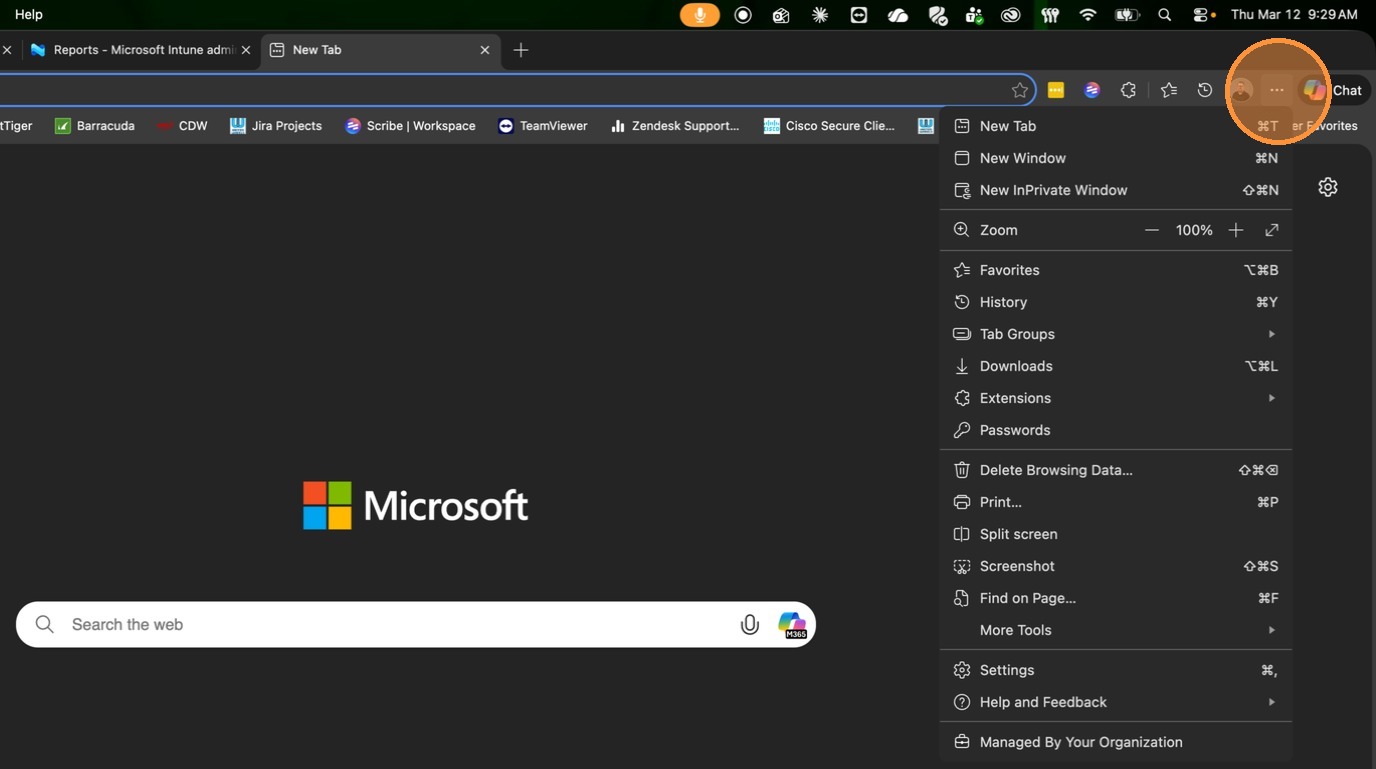
1. Click the 3 dots.
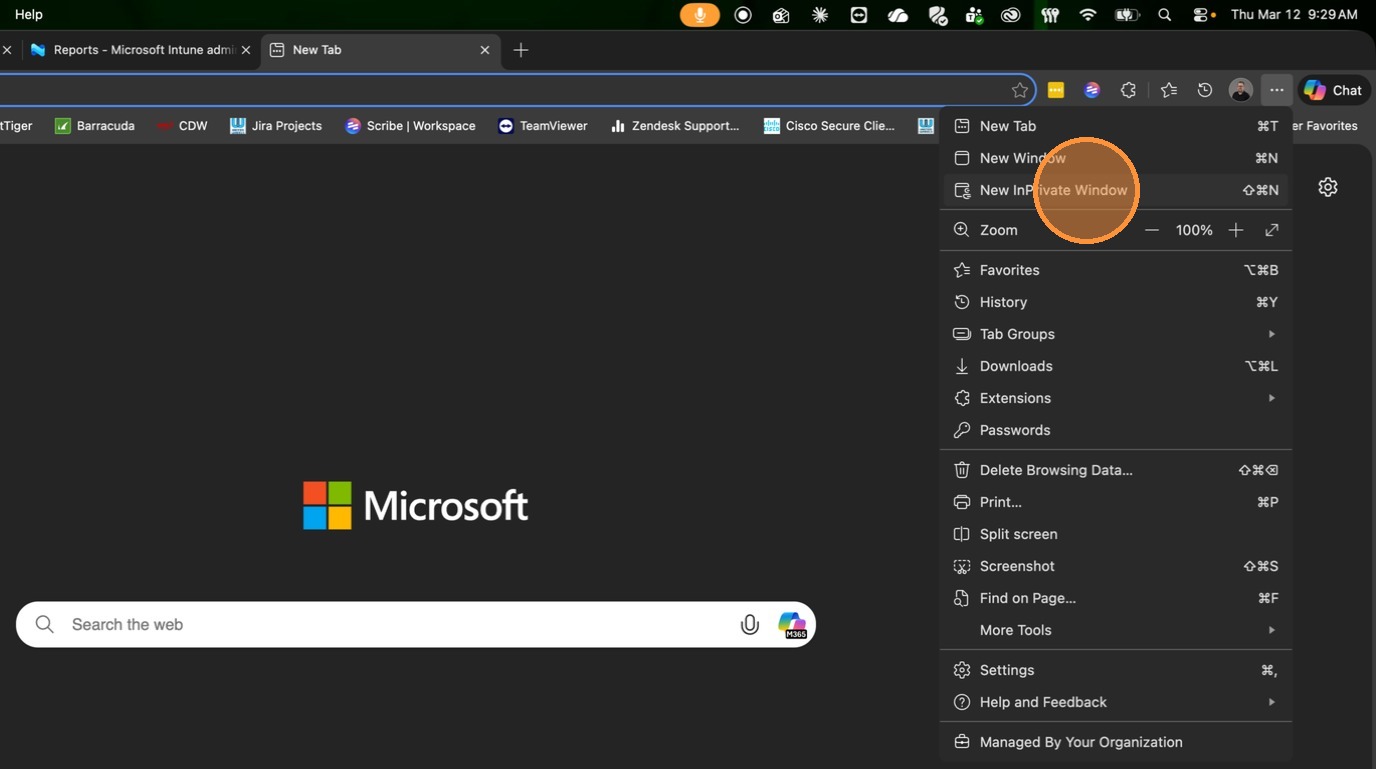
2. Click "New InPrivate Window"
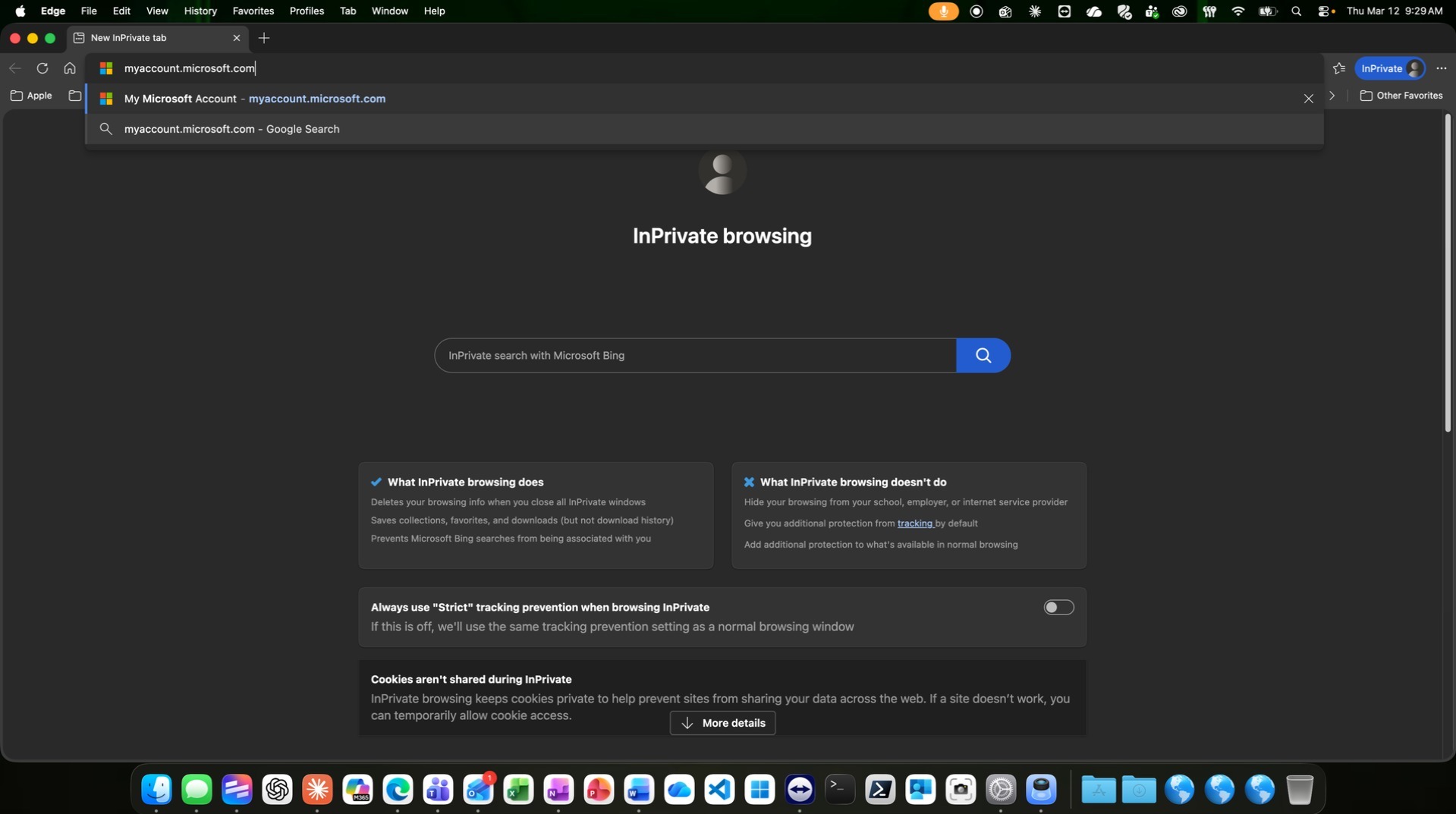
3. Go to https://myaccount.microsoft.com or click on the United Wheels folder > My Microsoft Account
4. If you see Saved logins, click the X to close. DO NOT use saved logins.
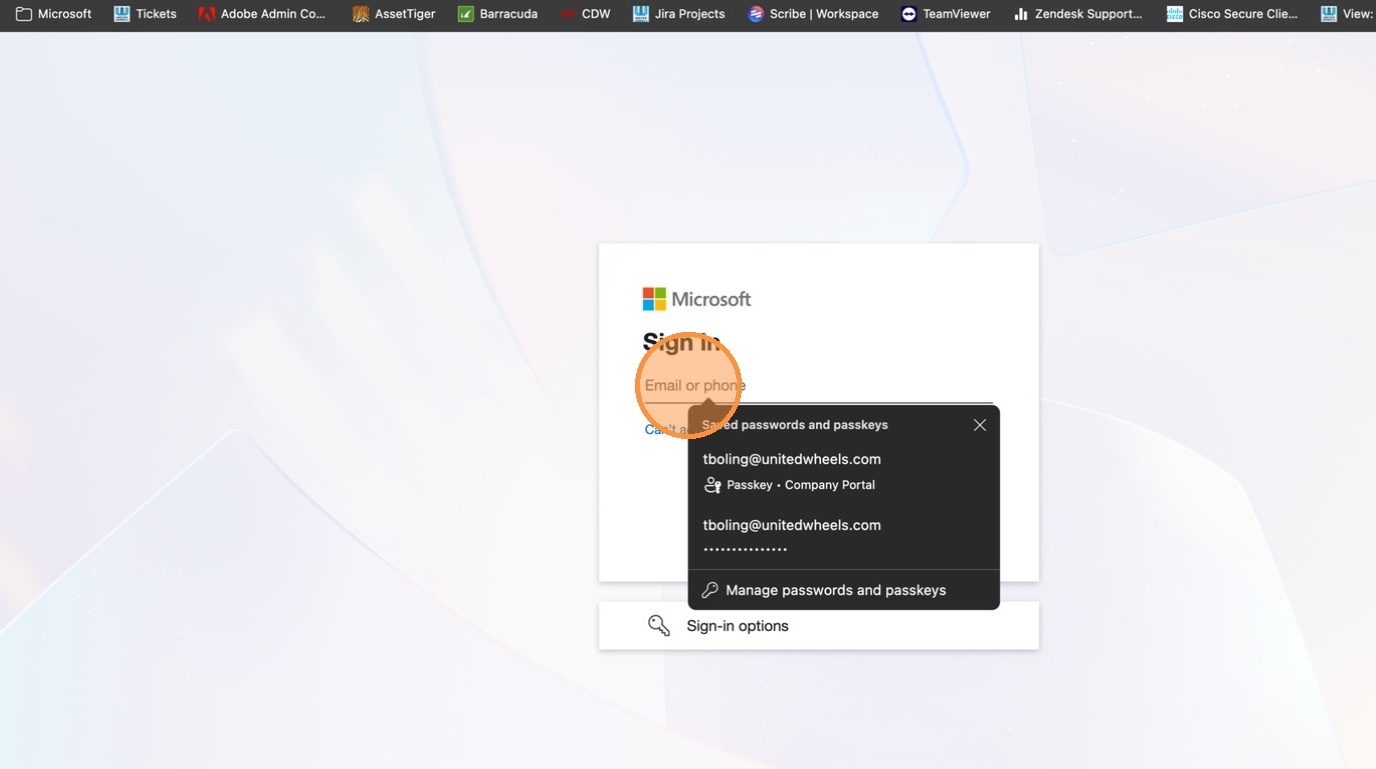
5. Enter your email address and hit "Next".
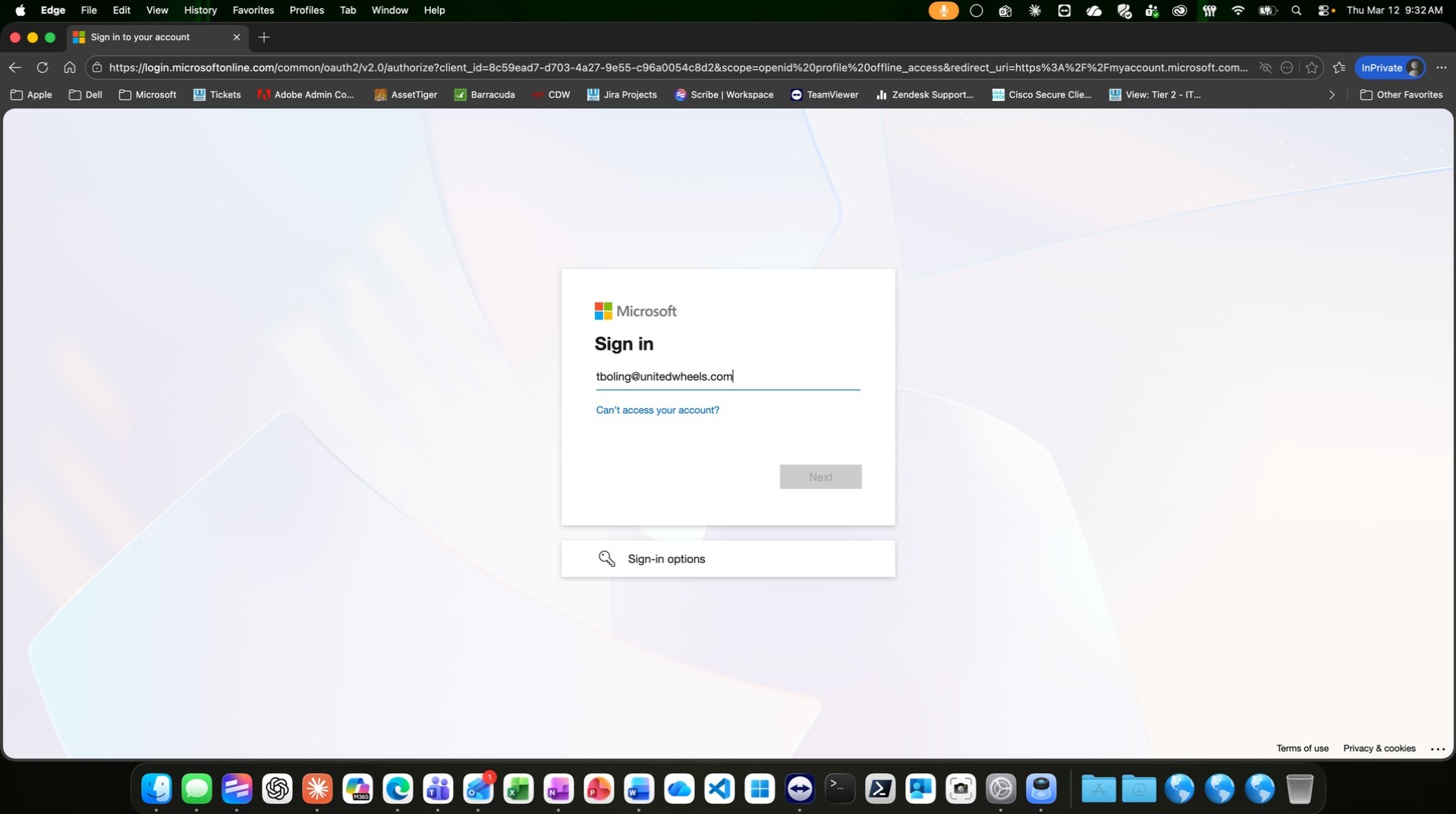
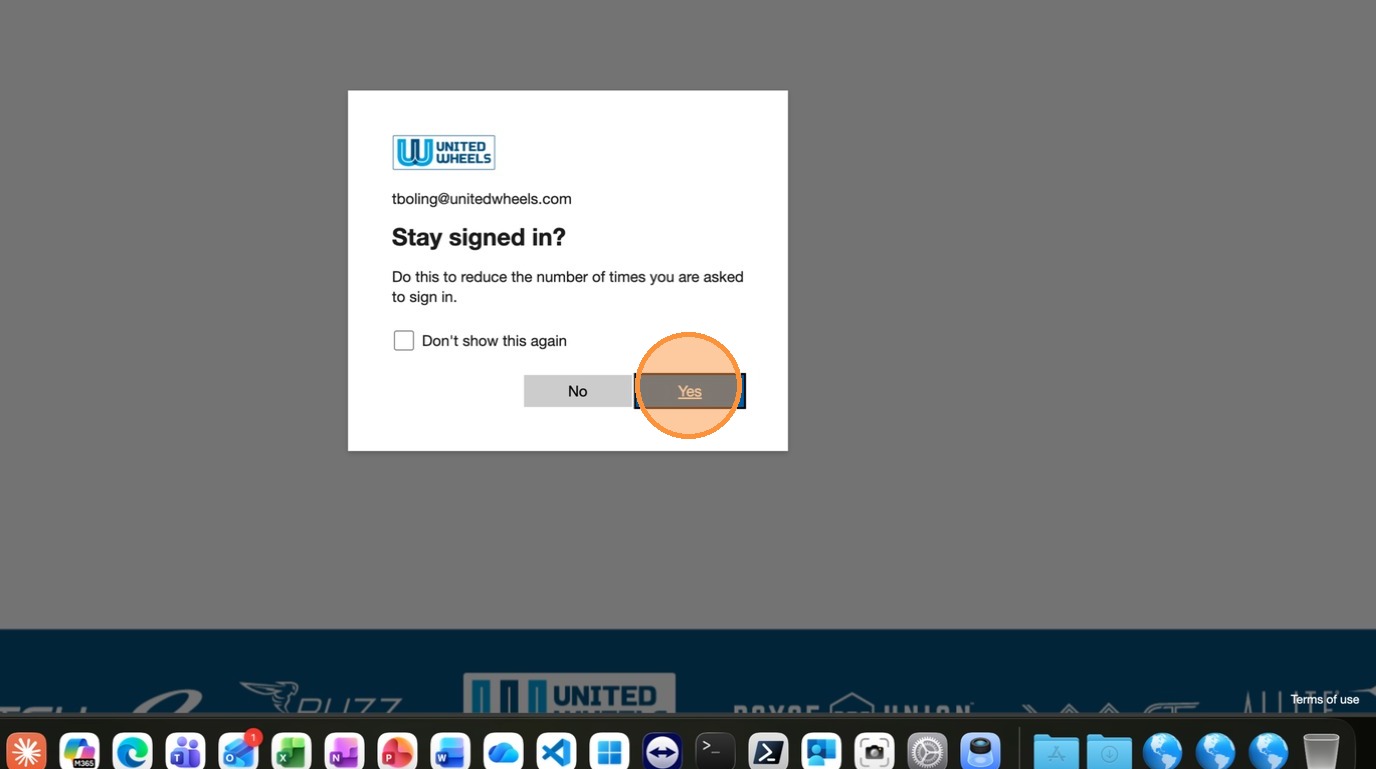
6. Click "Yes".
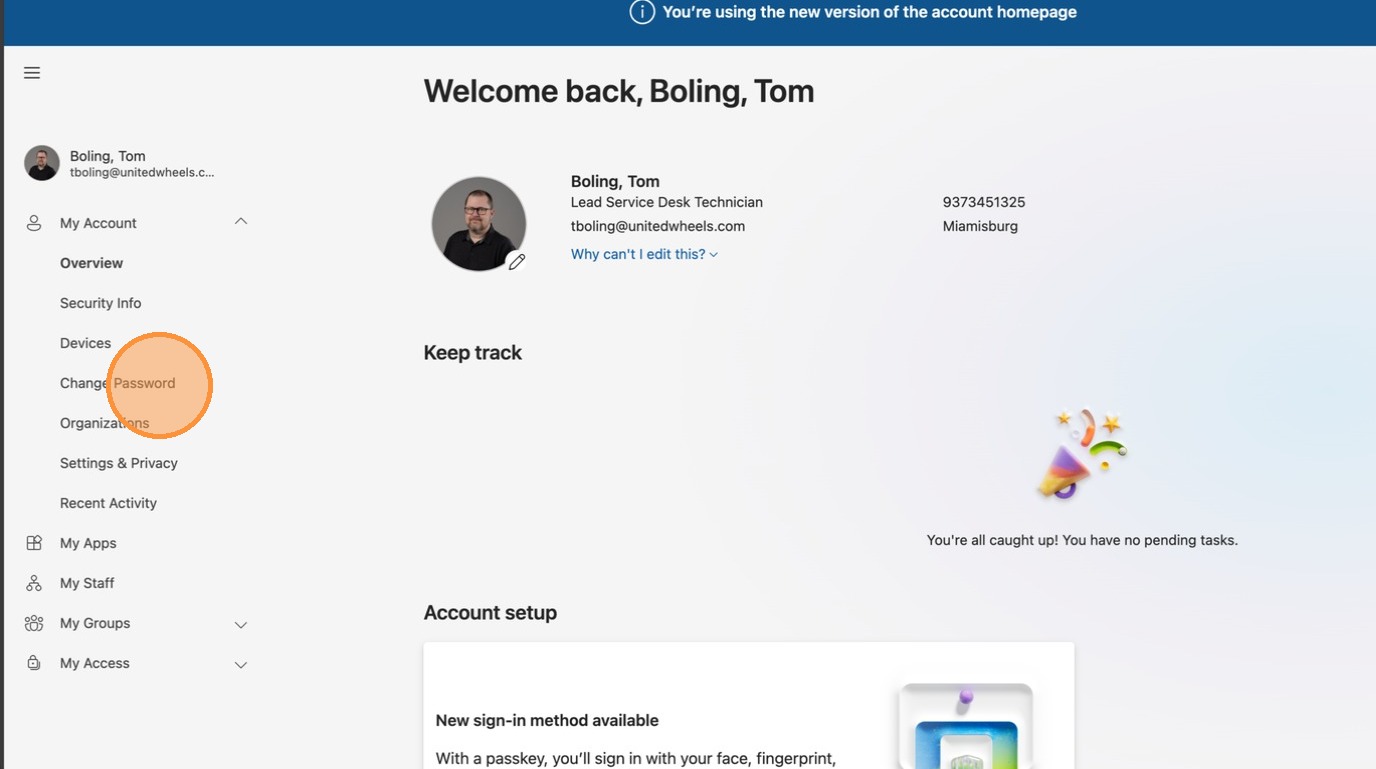
7. Click on "Change Password".
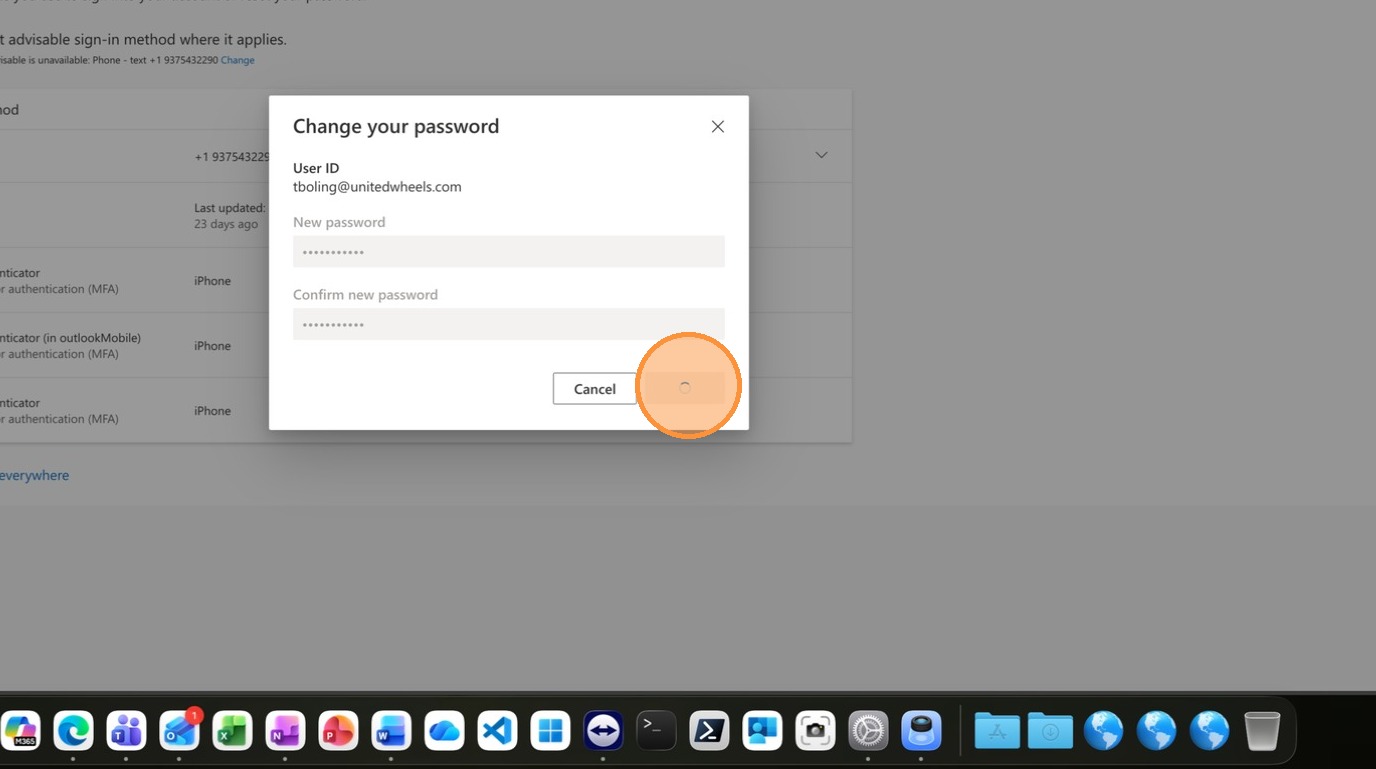
8. Enter your new password.
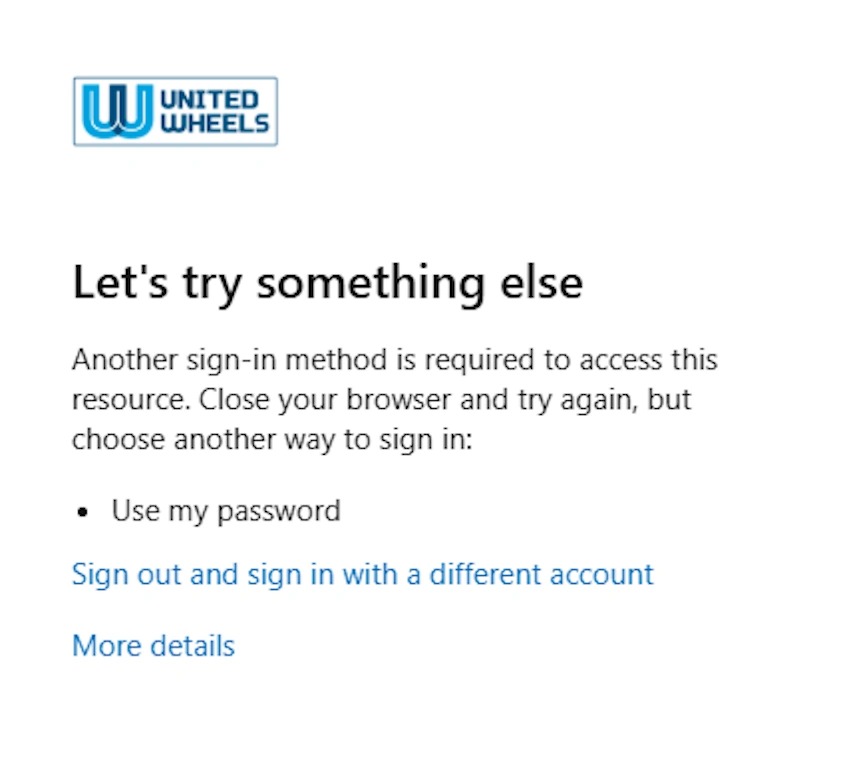
9. At any point, if you get "Let's try something else, this is due to using a saved token. You need to click on "Sign out and sign in with a different account" and start back at Step 4. It is important that you do not use saved credentials when you log in. It uses an expired token and will send you into this loop.
Made with Scribe
Comments
0 comments
Article is closed for comments.